Asana vs ClickUp vs Height
Asana and ClickUp are the two live contenders here, differing mainly in philosophy: Asana leans on its Work Graph data model and built-in AI Teammates for…
Freemium · From Free
Best for: Cross-functional teams that want a polished, integration-rich platform with built-in AI Teammates and enterprise-grade reporting and governance.
Freemium · From Free (paid plans from $7/user/month billed annually)
Best for: Teams that want to consolidate docs, chat, whiteboards, and tasks into one highly customizable, budget-friendly workspace.
Discontinued (formerly Freemium) · From Service discontinued
Best for: Only relevant as historical context or for former Height users researching a replacement, since the product was permanently discontinued on September 24, 2025.
At a Glance
| Asana | ClickUp | Height | |
|---|---|---|---|
| Primary category | Project Management | Project Management | Project Management |
| Rating | Not documented | Not documented | Not documented |
| Pricing model | Freemium | Freemium | Discontinued (formerly Freemium) |
| Starting price | Free | Free (paid plans from $7/user/month billed annually) | Service discontinued |
| Free plan | Yes | Yes | Yes |
| Free trial | Not documented | Not documented | Not documented |
| Platforms | Web, iOS, Android | Web, iOS, Android, Mac, Windows | Web, Mac, Windows |
| Team collaboration | Yes | Yes | Not documented |
| AI features | Yes | Yes | Yes |
| Public API | Yes | Yes | Yes |
Standout Differences
Enterprise-Ready Reporting and Governance
Asana's Enterprise and Enterprise+ plans add SAML authentication, SCIM provisioning, and universal workload views, backed by its Work Graph model linking goals, portfolios, and tasks.
Asana
All-in-One Workspace
ClickUp bundles Docs, Whiteboards, Chat, Goals, and Dashboards alongside tasks in a single workspace, aiming to replace several separate point tools.
ClickUp
AI Woven Into Everyday Workflows
Asana's AI Teammates and AI Studio, ClickUp Brain, and Height's discontinued AI assistant all embedded automation directly into task and project workflows rather than as a bolt-on chatbot.
Asana, ClickUp, Height
Permanently Discontinued
Height shut down for good on September 24, 2025, after CEO Michael Villar announced the closure in March 2025; there was no acquirer, and existing customers had to migrate their data elsewhere.
Height
Feature-by-Feature
Core Project Views
| Feature | Asana | ClickUp | Height |
|---|---|---|---|
| List, board, and calendar views | Available | Available | Not documented |
| Native Gantt or timeline view | Available | Available | Not documented |
AI Features
| Feature | Asana | ClickUp | Height |
|---|---|---|---|
| Built-in AI assistant | Available | Available | Available |
| AI-driven bug or task triage | Not documented | Not documented | Available |
Collaboration Tools
| Feature | Asana | ClickUp | Height |
|---|---|---|---|
| Built-in docs and whiteboards | Not documented | Available | Not documented |
| Built-in team chat | Not documented | Available | Not documented |
Availability and Pricing
| Feature | Asana | ClickUp | Height |
|---|---|---|---|
| Currently open to new signups | Available | Available | Unavailable |
| Free plan | Available | Available | Unavailable |
Pricing Compared
Starting price reflects the lowest paid tier, not the full cost for every team size or usage level.
Asana
ClickUp
Height
Pros & Cons
Asana
Pros
- Free plan available for small teams
- Flexible views suit many project management styles
- Strong third-party integration ecosystem
- AI Teammates and AI Studio add automation without extra tools
Cons
- Free plan is limited to 2 users on new accounts
- Advanced features (goals, portfolios, AI Studio credits) require Advanced or Enterprise plans
- Per-user pricing can get expensive for large teams
- Feature depth can mean a learning curve for new users
ClickUp
Pros
- Extremely broad feature set that can replace several separate point tools.
- Generous free plan with unlimited tasks and members.
- Highly configurable views and permissions suited to many team types.
- Frequent product updates and an active AI feature roadmap.
Cons
- The breadth of features creates a steeper learning curve than simpler single-purpose tools.
- AI features (ClickUp Brain) are priced as add-ons rather than bundled into base plans.
- Free plan storage is limited (60MB), pushing active teams toward paid tiers quickly.
- Some advanced reporting and security controls are reserved for Business and Enterprise tiers.
Height
Pros
- Fast, keyboard-driven interface that was widely praised as snappier than competitors like Jira and Asana
- AI features integrated directly into core workflows rather than bolted on separately
- Unusually generous free tier including full AI features for up to 5 users
- Founder had prior relevant experience building product at Stripe
- Well-funded by a respected investor (Redpoint Ventures) before shutting down
Cons
- The service has permanently shut down as of September 24, 2025, and is no longer available
- No successor product or acquirer continued the platform after closure
- Existing customers had to migrate their project data to another tool
- Smaller company and team size than large incumbents like Atlassian, creating sustainability risk that ultimately materialized
- No public option to export or continue using historical Height data through the original service today
Use Cases
Asana
- Cross-Functional Project Tracking — Coordinate tasks and deadlines across marketing, product, and operations teams.
- AI-Assisted Workflow Automation — Use AI Teammates and AI Studio to automate repetitive project and reporting tasks.
ClickUp
- Cross-functional project management — Teams use ClickUp to plan, assign, and track work across marketing, product, and operations in one workspace.
- Agency and client work tracking — Agencies use ClickUp's Spaces and custom permissions to manage multiple client projects with separate visibility.
- Solo and small-team task management — Freelancers and small startups use the free plan for personal and team to-do tracking without upfront cost.
Height
- Fast-moving software engineering teams (historical) — Engineering teams used Height for issue tracking and sprint planning, valuing its speed and keyboard-driven workflow over heavier tools like Jira.
- AI-assisted bug triage (historical) — Teams used Height's AI to automatically assess and route incoming bug reports, reducing manual triage overhead for engineering managers.
- Startup project management (historical) — Early-stage startups used Height's generous free tier to manage projects and tasks without paying for a full project management suite.
Screenshots
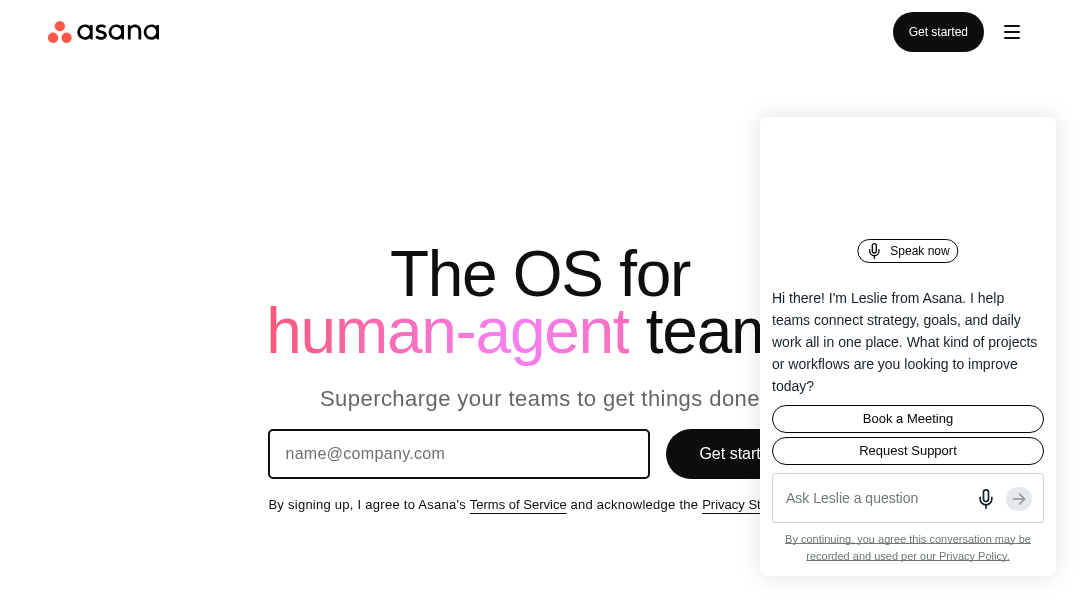
Asana
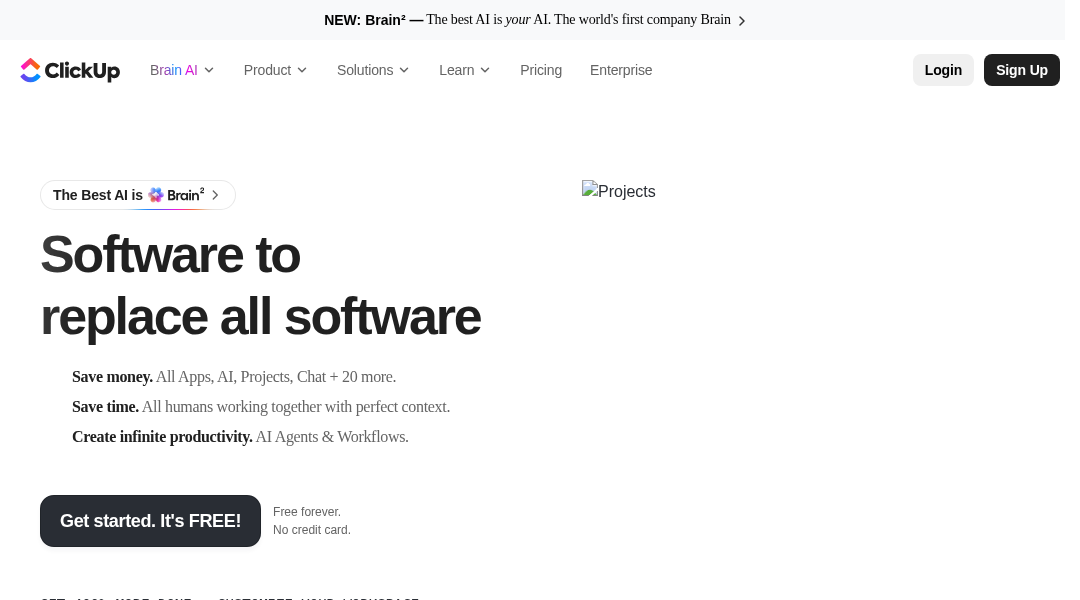
ClickUp
Frequently Asked Questions
Is Height still available?
No. Height permanently shut down on September 24, 2025, after CEO Michael Villar announced the closure in March 2025. There is no acquirer and no way to sign up or continue using the service today.
Where should former Height users migrate?
Asana and ClickUp are the two closest live alternatives covered here. Asana suits teams wanting polished cross-functional reporting and AI Teammates, while ClickUp suits teams wanting a single workspace that also covers docs, chat, and whiteboards.
Which is cheaper, Asana or ClickUp?
ClickUp's Unlimited plan starts at $7 per user per month billed annually, versus Asana's Starter plan at $10.99 per user per month billed annually. Both also offer free tiers, though ClickUp's Free Forever plan supports unlimited members while Asana's free Personal plan is capped at 2 users.
Do Asana and ClickUp have AI features?
Yes. Asana includes AI Teammates and AI Studio for building custom automations, while ClickUp offers ClickUp Brain as a paid add-on for writing assistance, summaries, and workspace-wide question answering.
Which has the better free plan, Asana or ClickUp?
ClickUp's Free Forever plan allows unlimited members and unlimited tasks, though storage is capped at 60MB. Asana's free Personal plan is currently limited to 2 users for new accounts but has no storage cap mentioned.
Which offers better enterprise governance, Asana or ClickUp?
Asana's Enterprise and Enterprise+ tiers add SAML authentication, SCIM provisioning, and universal workload and capacity planning. ClickUp's Enterprise tier adds SAML SSO, an enterprise API, white-labeling, and HIPAA and MSA compliance options.
Related Comparisons
Read the full Asana review · Read the full ClickUp review · Read the full Height review